Showing posts with label Recruiting Cloud. Show all posts

Sunday, April 20, 2025

Recruiting - Apply Flow or Job Application Flow

 An Application flow is a sequence of steps that must be completed by a candidate when applying for a job or when submitting a profile on a Career Section/Site. 

Application flows are also used by referrers, recruiters, hiring managers, and agents to enter candidate profiles, invite candidates to apply for a job or enter information on behalf of candidates.

Where actually we use this flow?

While creating job requisition, we must specify job application flow in the External Application flow.


We have diff types of Application flows such as Job Application Flow, Talent Community Flow and Request Information Flow.

Navigate to FSM Area and search for task Job Application Flow Configuration

Click on Save and Continue. It will enable us to create a Version for Job Application Flow. At least one version is required to create.


Legal Disclaimer, E-Signature, Campaign Opt-in, One Page Application Flow, Job Alert Opt-In and Express Apply: all these can be modified/reconfigured as per requirement in Recruiting Content Library as below.

Navigate to FSM Area, search for Recruiting Content Library and filter as shown below.


Click on Job Application Legal Disclaimer, it will open description and content item details. Click on Actions and choose create content item with copy version.


Similar to above we can filter for Job Application E-Signature Statement to modify.
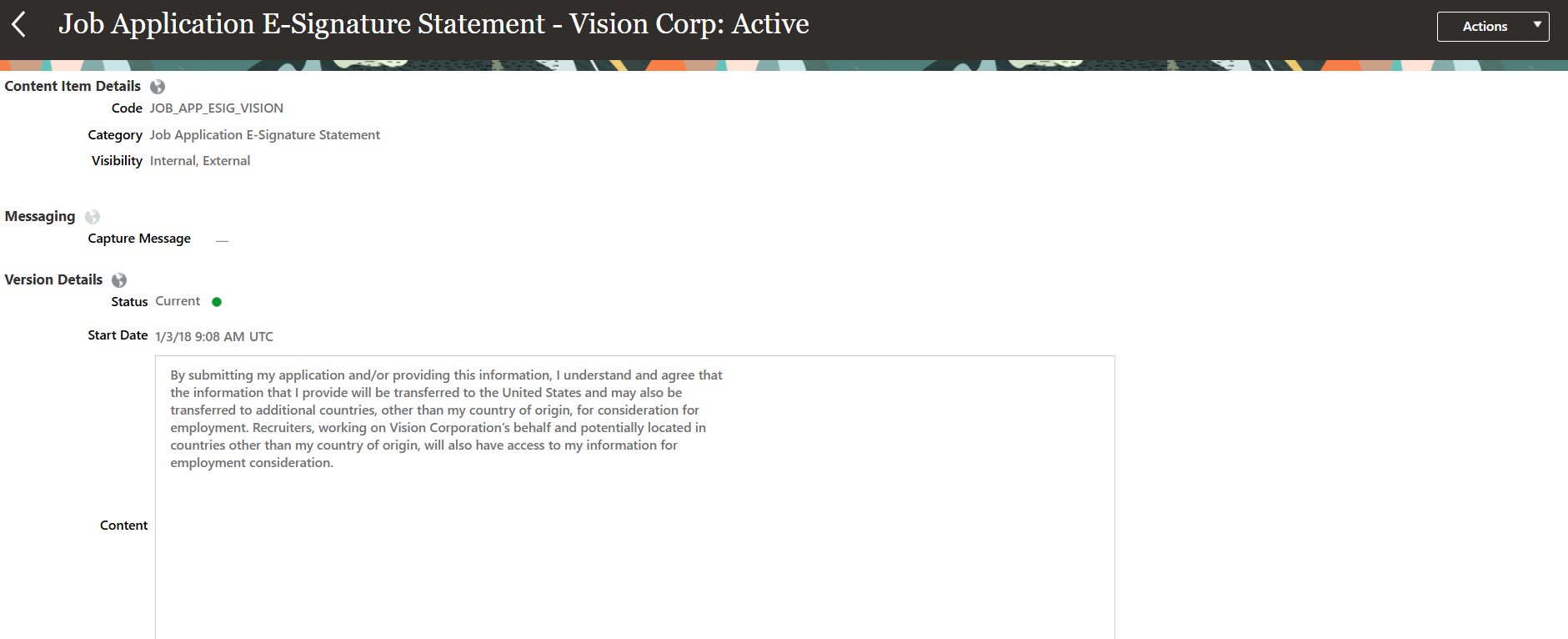

We have options to change the section names like shown below.


Once all these changes/activities are completed, activate the Job Application Flow with the code. While creating requisition, choose Job Application Flow as shown below


Submit the requisition. 

Open the requisition, the status now will be as Job Format - In progress. 

Click on Actions and then on Move to Posting. Requisition status now as Open-Posted as shown below.


To apply for the job requisition, we should navigate to Career site and search for Job Requisition which we posted. If that's not visible at Career Site, we need to run the processes.


As soon as processes are successfully completed, we will be able to see the Job Requisitions at Career Site.


Click on Job Requisition and then click on Apply Now button.


As soon as you click on Apply Now, we will get Legal Disclaimer as Terms and Conditions. We can notice here the changes that we made at Application Flow.


Complete filling application with required information and click on Submit.


Saturday, April 19, 2025

Processes to Run After Requisition Creation in ORC

In Oracle Recruiting Cloud (ORC), after creating job requisitions it’s important to run two key processes to ensure everything is properly set up for candidate visibility and search in the Career Sites (Internal/External).

The first one, "Maintain Candidates and Job Requisitions for Search," refreshes the search index so that newly created requisitions and candidate data are discoverable through keyword searches. This process is essential for recruiters to find and manage requisitions efficiently. The second process, 

If this process is stuck and continuously running in the environment, please refer to Document 2799848.1

"Publish Job Requisitions," makes the job postings visible on the career site and other external job boards, depending on how you've configured the system. Without running this, your requisitions may stay hidden from potential applicants. Running both ensures your jobs are searchable internally and accessible to external candidates.

Maintaining Oracle Search for Oracle Recruiting:

Oracle Search is the default search engine for new and existing customers of Oracle Fusion Cloud Recruiting. Oracle Search needs to be maintained after an upgrade or Production to Test (P2T) or Test to Test (T2T).

With Oracle Search, these features become available:

Recruiters and hiring managers can find candidate profiles using advanced search filters and boolean expressions.

Recruiters and Hiring Team members can see candidates that they're responsible for when the Candidate Security for Candidate Search is enabled.

External candidates can see similar jobs when searching for jobs.

External candidates can search for jobs using a postal code.

External candidates can explore jobs using a map view.

External candidates can see the distance between their selected location and the job location.

External candidates can use the Work Location, Organization, and Job Requisition filters.

External candidates can see job requisition flex field values exposed by recruiters.

Publish Job Requisitions:

Publishes or removes job requisitions based on a start date and end date. It also verifies if the automatic un-post condition is met.

For more scheduled processes in Recruiting Cloud, please refer Scheduled Processes in Oracle Recruiting Cloud

Friday, April 18, 2025

Recruiting - Career Site Configuration

Career Site is also called as Career Section in ORC. Oracle has given built-in Career sites which we can modify when customer is okay with available sites, and we can even customize those sites.


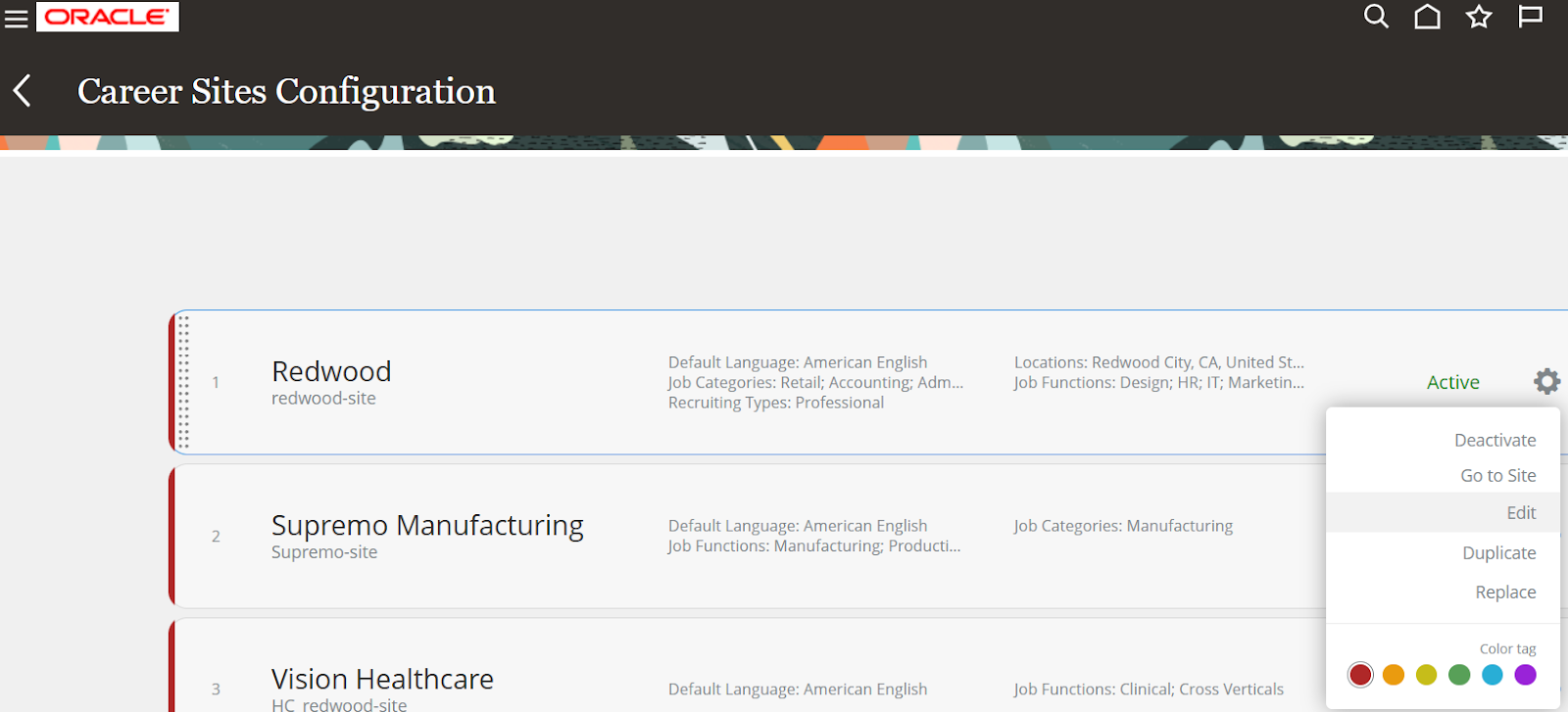
Login to Fusion Applications, navigate to Career Sites Configuration task. We can edit the same site, or we can create a copy by clicking on Duplicate option to modify the newly created one.


We can even Import available template designs from below. 

We can create a career site by duplicating Redwood then we will modify the copied one. As mentioned above, click on Duplicate end system will create a copy of that. Then on the copied one, Click on Edit.

General Section:

Modify the Site Name, Site Code, Site DisplayName etc. 


We can restrict Jobs in the Career Site to specific Locations, Organizations, Job Categories, Job Functions and Recruiting Types.

In ORC, Locations will come based on Geography Hierarchy Structure, Geography Hierarchies and Geographies. Only one Geography will be in active. 

Organization will be based on Organization Tree specified in Enterprise Recruiting and Candidate Experience Information as shown below.


We need to exclusively define Geographic Hierarchy Structure for Oracle Recruiting. 

Themes: 

In this section, we can customize all available. 


Pages: 

We can add as many pages as require.


Like above we can add custom widgets, refer to Asset Library for available images and Translations for site translation to other languages which we selected in General section.

Once all changes are completed then we can click on Publish Site to publish. You can notice custom branding image added here.


Once Career Site is sign-off by customer, we can migrate it to another environment using below option from FSM Environment. 

Export option to export the career site configuration and Import option to import configuration to another environment.